Home Assistant can replace a folder full of smart-home apps with one dashboard and one automation system. It puts local control and privacy first, but it cannot make incompatible hardware compatible by enthusiasm alone.
Why an ordinary household might actually want it
A mixed smart home often means one app for lights, another for plugs, a third for a doorbell and several routines that stop working when a manufacturer changes its cloud. Home Assistant brings supported devices and services into one phone, tablet or browser dashboard.
Once the devices are together, automations can use information across brands: turn on a hallway light when a door sensor opens after sunset, warn when a garage door stays open or reduce heating when nobody is home. The most valuable routines are usually boring, dependable and invisible.
Check compatibility before buying anything
Home Assistant lists more than a thousand built-in integrations, but that does not mean every model from every brand works locally or exposes the same features. Some integrations speak directly to a device in your home; others still rely on the manufacturer's internet service.
- Write down the exact model names of three devices you care about.
- Find each one in Home Assistant's official integrations directory.
- Check whether it needs a separate hub, manufacturer account or cloud connection.
- Look for any warning that setup requires manual configuration.
- Choose one automation worth the effort before spending money.
Wi-Fi, Zigbee, Thread, Z-Wave and Bluetooth describe different ways devices connect. Home Assistant Green handles network devices out of the box, while Zigbee, Thread or Z-Wave may need an additional radio. Buy that radio only after confirming what your devices use.
The least technical starting route is Home Assistant Green
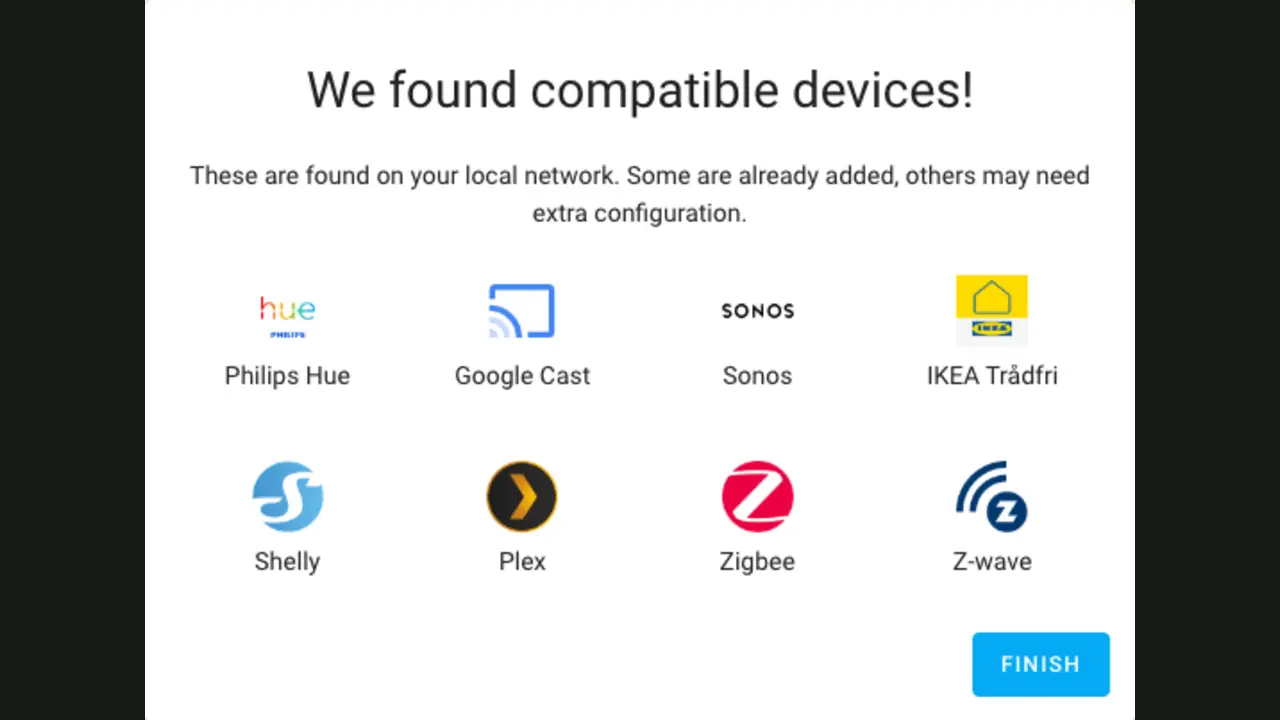
Home Assistant's own documentation recommends Home Assistant OS for most users. Home Assistant Green arrives with it installed: connect power and Ethernet, complete onboarding in the app or browser, then allow the system to discover compatible devices. Initial setup requires internet access.
A Raspberry Pi, mini-PC or virtual machine can also run Home Assistant OS and may cost less if the hardware is already available. Those routes add choices about storage, installation and recovery. Docker is a valid option for experienced users, not a prize beginners earn for choosing the harder instructions.
- Home Assistant Green$199 recommended US price before tax
- Software on suitable existing hardwareFree
- Zigbee, Thread or Z-Wave supportRadio may cost extra
- Easy remote access and voice linksOptional Home Assistant Cloud
The real cost is attention, not just hardware
Home Assistant improves every month and updates are visible inside the system. That pace is a strength, but a smart home should not be updated moments before leaving for a trip. Read the release notes, make a backup and give important lights, locks or heating a physical fallback.
Home Assistant backups are encrypted archives. Store a copy somewhere outside the device running Home Assistant; a backup trapped on failed hardware is not much help. The official onboarding process can restore a backup to replacement hardware, which is valuable only if the archive and its encryption key are available.
- Your devices are supported but split across apps
- Local control and privacy matter
- You have one genuinely useful automation in mind
- Someone in the household will maintain it
- Your current setup already feels simple
- Essential devices have poor integration support
- Nobody wants responsibility for updates
- You expect every cloud service to disappear
Sources checked August 31, 2026: official feature overview, Home Assistant Green specifications and pricing, installation guidance and official backup documentation.
The NoSub verdict
Home Assistant can make a normal home calmer: fewer apps, better cross-brand routines and more local control. It can also turn a working light switch into a weekend hobby when compatibility is ignored or the first plan tries to automate everything.
Begin with devices you already own, Home Assistant Green or Home Assistant OS, and one automation the household will notice when it is missing. Expand only after backups and manual controls are boringly reliable.