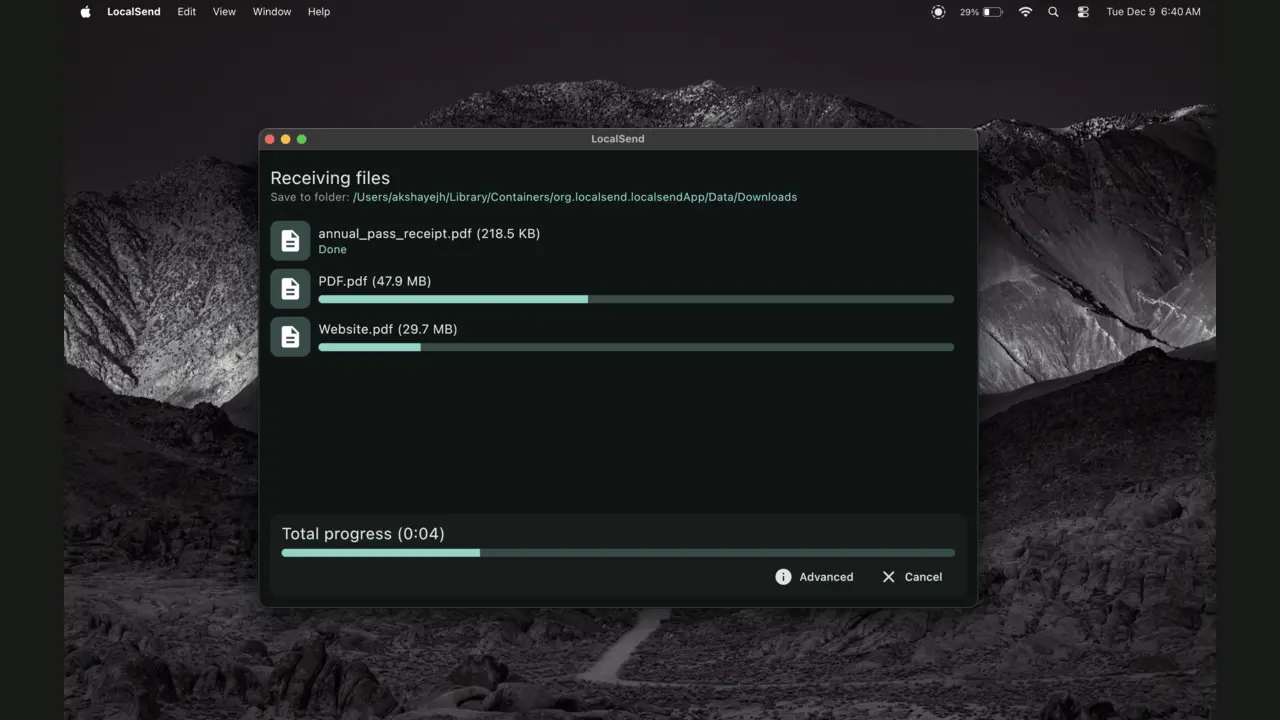
AirDrop is lovely until the other device is not made by Apple. LocalSend fills that gap: install it on two nearby devices, choose a file and send it directly over the same local network.
The ordinary problem it solves
Sending a few phone photos to a laptop should not require emailing yourself, losing quality through a messaging app or finding the right cable. LocalSend accepts files, folders, photos and text, and it does not care which company made each device.
The transfer can continue without an internet connection because the files stay on the local network. Speed depends mostly on the Wi-Fi connection, so large video folders can be much quicker than uploading them to a cloud service and downloading them again.
How to use it without turning this into a project
- Install LocalSend from the official site or your device's app store on both devices.
- Connect both devices to the same home or office network.
- Open the app, choose Send, select the files and tap the receiving device.
- Accept the request on the other device and check its Downloads folder.
That is the whole setup for most homes. Device names can be changed so “Family laptop” is easier to recognise than a randomly generated name. For a trusted device you use constantly, favourites and automatic acceptance can reduce taps—but manual approval is safer on shared networks.
Private is accurate, with a sensible warning
LocalSend says transfers use encrypted HTTPS connections and offers PIN verification. It has no account, ads or trackers, and the file does not need to pass through LocalSend's servers. That is a meaningful privacy improvement over uploading personal documents to an unfamiliar transfer website.
You still need to recognise the receiving device before accepting or sending anything. On a busy office, hotel or public network, use PIN verification and decline unexpected requests. “Local” does not mean every nearby device is automatically trustworthy.
When it will not work
Some guest Wi-Fi networks stop devices from seeing one another. Businesses, schools and hotels often enable this isolation deliberately. A firewall can also block discovery or transfers. If the receiving device never appears, try a normal home network or a personal hotspot before blaming the app.
- iPhone photos need to reach a Windows PC
- Android and Mac users share large folders
- You want an offline transfer at home
- You dislike accounts for one small job
- The other person is in another city
- Your network isolates every device
- You need an automatic ongoing backup
- A shared link must remain available later
Sources checked August 31, 2026: official LocalSend site and FAQ, official changelog and official repository and Apache-2.0 license.
The NoSub verdict
LocalSend is an unusually easy recommendation because the free option is not asking you to become your own system administrator. Install it, keep it updated and use it when nearby devices refuse to cooperate.
It does not replace cloud sharing or automatic photo backup. It replaces the ten frustrating minutes spent moving one file between two devices you already own.