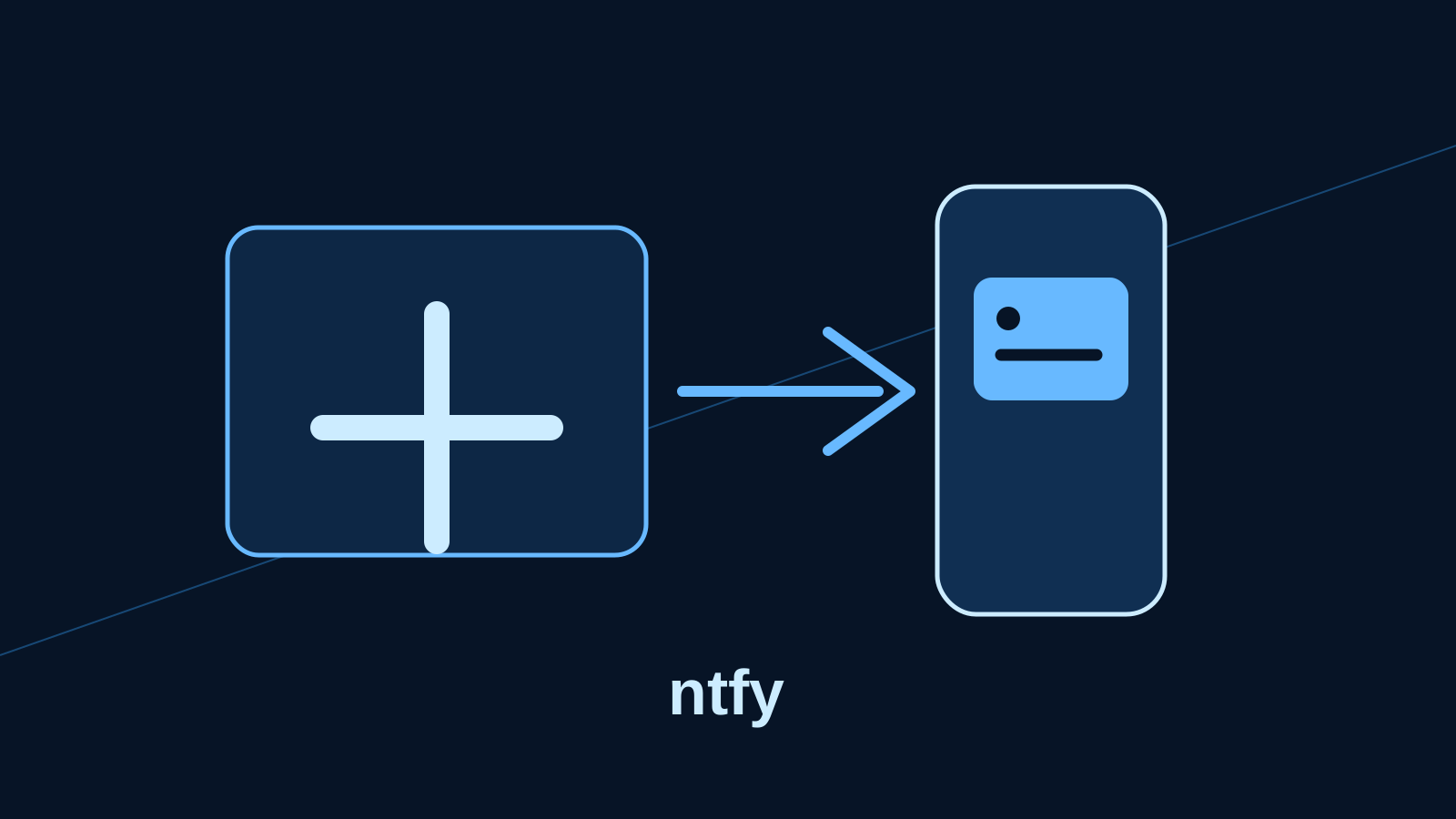
ntfy is a topic-based notification service: a program sends an HTTP request to a topic, and devices subscribed to that topic receive it. It is a practical replacement for a paid Pushover or Pushbullet alert path, or a billable notification step in an automation service—not a general chat app.
What problem it solves
A backup can finish overnight, a website can fail, or a disk can fill up. Email is often too slow and dashboards require you to remember to look. ntfy gives scripts one simple delivery method: publish text to a URL-like topic. Its Android and iOS apps and supported browsers can subscribe; titles, priority, tags, attachments, click links and scheduled delivery are documented publishing features.
Send the first notification
Install the ntfy app, subscribe to a newly invented, hard-to-guess test topic, then publish to it. This public-service example is deliberately for a harmless test; do not put names, hosts, account details or secrets in a public topic.
curl -d "Backup test completed" https://ntfy.sh/nosub-demo-7m4q9xTopics are created when published or subscribed to. The official documentation warns that an unprotected topic effectively acts like a password. A random-looking name reduces accidental discovery; it is not a replacement for access controls when the message is private.
Public service or your own server?
ntfy.sh is the quickest way to learn the workflow. Self-hosting is worth considering when alerts reveal infrastructure details, when you need your own retention and access rules, or when you want the service available on your network. It adds a server, reverse proxy or HTTPS setup, updates and backups.
The official Docker example runs binwiederhier/ntfy with the serve command and persists /var/cache/ntfy and /etc/ntfy. Put it behind HTTPS at a placeholder such as https://notify.example.net; configure the public base URL, authentication and access rules using the official configuration guide. Do not expose a new instance to the internet before that work is complete.
Keep private alerts private
Use HTTPS in transit. Enable authentication and explicit topic permissions on a self-hosted server, create separate publish and subscribe credentials where appropriate, and keep tokens out of shell history, screenshots and repositories. A topic named backup or server-alerts is guessable; public topic names are never a safe place for confidential text.
Notification previews can appear on a locked phone. Keep alert bodies brief, use a generic title, and link to an authenticated dashboard rather than sending customer data or passwords. The same caution applies to attachments: they may persist on the server and create an additional storage and retention obligation.
Useful integrations
Uptime Kuma can use its ntfy notification method: point it to your server URL, topic and credentials, then run a test notification before relying on it. Use a separate topic for availability alerts so a chatty backup does not hide an outage.
A backup script can publish success or failure after its real work finishes. Keep its credentials in a protected environment file or secret manager, not literally in the script. ntfy also documents delayed messages and attachments; use those only after checking retention, storage and device behaviour for your installation.
Maintenance, upgrades and recovery
Back up the persistent configuration and cache/database directories before upgrading a container. Read the project’s release notes, update a pinned image deliberately, restart it, and send a test alert. Document the domain, reverse-proxy settings, users, permissions and backup location; a restored container without those details is not a useful recovery plan.
Limits and the verdict
ntfy is excellent at “tell me something happened,” but it does not replace incident management, durable job logs, a dashboard, or a backup strategy. Mobile push delivery depends on each platform’s notification settings and push infrastructure, so test on every device that matters. Self-hosting is also more work than paying a notification provider.
FAQ
Is ntfy free?
The software is open source. The public service has its own terms and limits; self-hosting can still cost for a server, storage, domain or electricity.
Can I use ntfy without Docker?
Yes. The official installation guide covers native packages and binaries; Docker is simply a repeatable option for a home server.
Does a random public topic make alerts secure?
No. It is only harder to guess. Use authentication, access control and HTTPS for private messages.