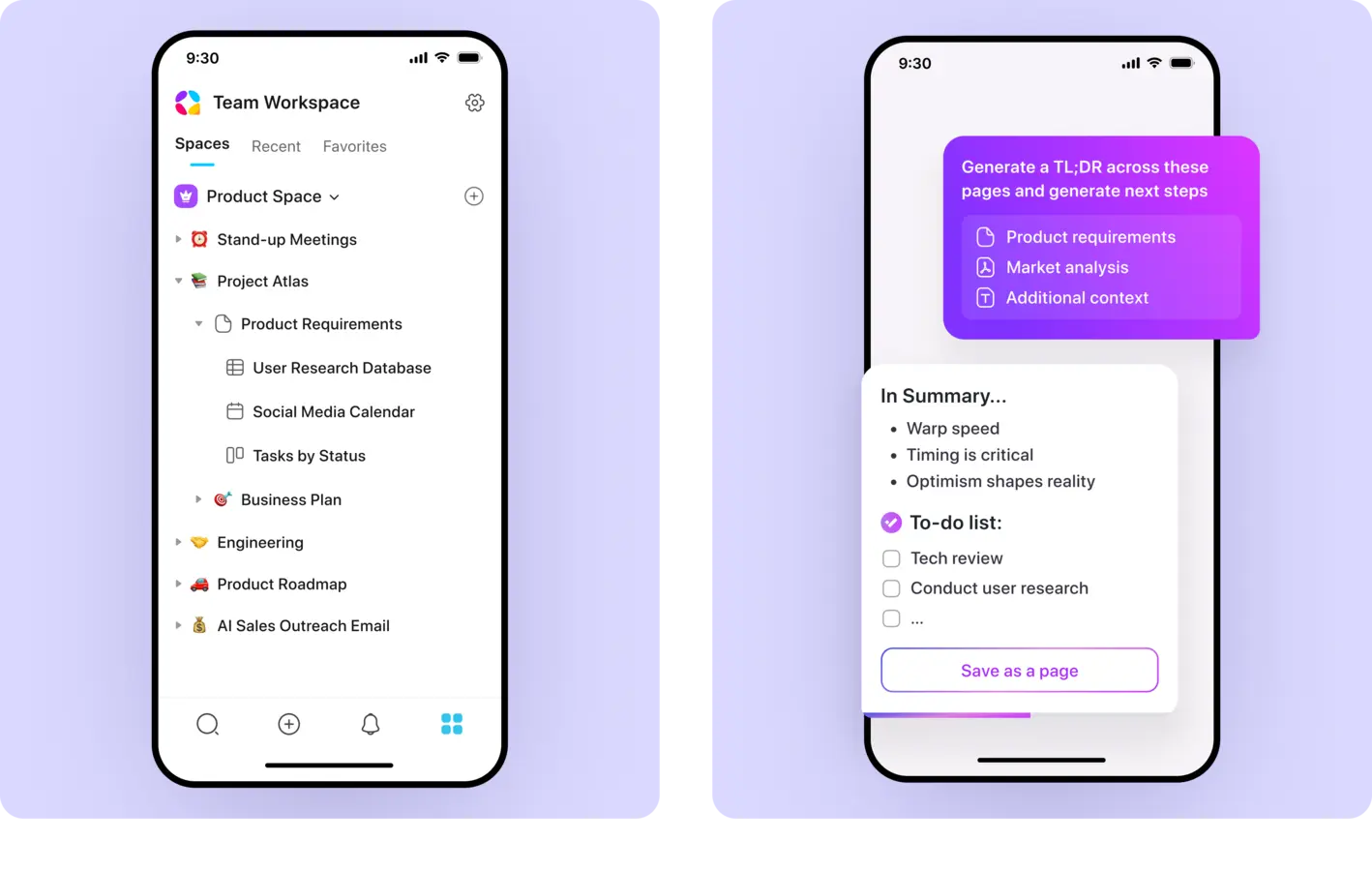
AppFlowy is the project behind this setup. The desktop app is the simplest useful version of AppFlowy. AppFlowy Cloud is a separate, more involved deployment for sync and collaboration.
- Recommended method
- Desktop application
- Difficulty
- Beginner
- Typical time
- 15–30 minutes
What you need
- A supported desktop operating system
- A location for workspace backups
- A clear first use such as notes, projects or a wiki
Set it up
Install the official package
Download the current desktop release for Windows, macOS or Linux and launch the application.
Create one focused workspace
Begin with a small notes or project system rather than importing an entire Notion account immediately.
Build one reusable structure
Create a page, database and simple view that match a workflow you already use.
Export and inspect a backup
Confirm how the current release exports data before committing important work.
Consider AppFlowy Cloud separately
Follow the official deployment documentation only when multi-device synchronization or team collaboration justifies the extra services.
Verify it works
Do not call the setup finished until these small tests pass:
- The workspace reopens after a restart
- Data can be exported
- The chosen workflow is faster than the tool it replaces
- Sync is not assumed to be a backup
Protect the service
- Know whether the workspace is local or connected to a cloud backend
- Keep exports outside the application data folder
- Review self-hosted Cloud secrets before internet access
- Test collaboration with noncritical data first
Official resources
Videos are supplemental. Use the official documentation for current commands, versions and security guidance.