- Reviewed
- September 8, 2026
- Environment
- Buzz 1.4.5, bundled Whisper.cpp Tiny model, four CPU threads
- Local transcription of a 7.5-second clean audio sample
- TXT, SRT and VTT exports
- A recognition error in an unfamiliar product name
- Live microphone capture
- Multi-speaker identification
- Performance on long or noisy recordings
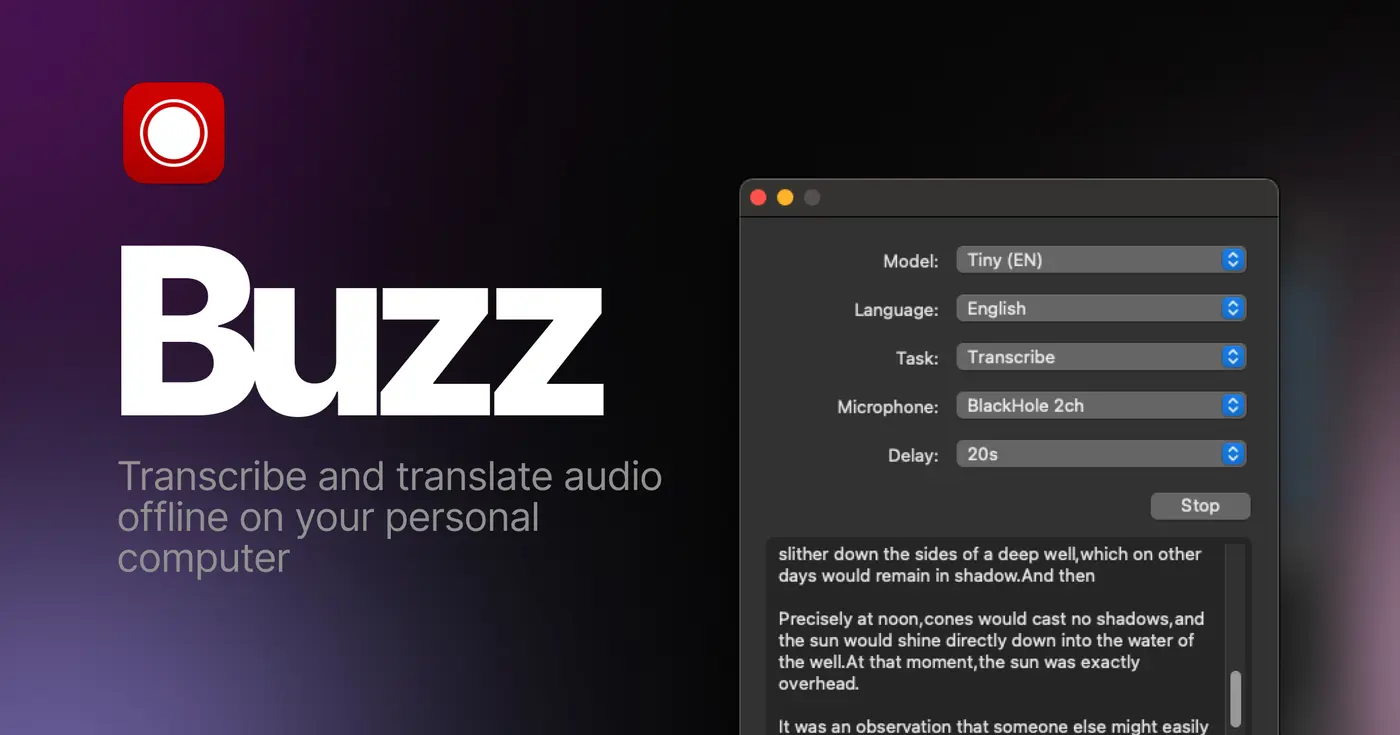
Buzz turns audio and video into text on Windows, macOS and Linux. Unlike a typical transcription website, the recording and speech model can stay on your own computer after the initial downloads.
A short test explained the appeal—and the danger
Our 7.5-second sample said: “This is a private offline transcription test for NoSub Tech. The car needs an oil change at fifty thousand kilometers.” We used the small quantised Tiny model with four CPU threads. The local transcription finished in about 2.2 seconds on our test machine and correctly captured the car-maintenance sentence.
It misheard NoSub Tech as NOSAFIC. That one error is more useful than a perfect demo: speech recognition is good at ordinary sentences and much less reliable with unfamiliar names, accents, noisy rooms and specialised terms.
Buzz produced working TXT, SRT and VTT files. TXT is useful for notes and search; SRT and VTT include timings for captions. Performance will vary sharply with the model, recording and computer, so our result is evidence that the workflow works—not a speed promise.
It replaces the meter, not the work
Cloud services such as Otter and Descript make transcription convenient, then place useful minutes and features behind recurring plans. Buzz removes the mandatory account and per-minute meter. Once the app and a model are downloaded, you can process as many permitted recordings as your computer and patience allow.
- Search an interview or meeting you were allowed to record
- Turn personal voice notes into editable text
- Create subtitles for videos you made
- Draft a transcript before correcting names and punctuation
- Secretly recording people
- Treating the transcript as a legal record
- Trusting medical or financial wording without review
- Processing recordings you do not own or have permission to use
The trade is editing. Buzz gives you a strong first draft, not a human-checked final document. For a five-minute memo, correction may be trivial. For a two-hour interview containing names and technical language, review remains real work.
Local transcription is a choice inside Buzz
With Whisper, Faster Whisper or Whisper.cpp selected, the speech recognition can run locally. The recording does not need to be uploaded to a transcription company, and Buzz's official FAQ explains how downloaded models can even be moved to a computer that stays offline.
Buzz also supports optional remote services and plugins. Selecting the OpenAI API or another network-backed feature changes the privacy story. Readers who want the no-cloud path should choose a local model, avoid cloud summarisation and confirm the computer is not synchronising the recording or output folder elsewhere.
Is Buzz safe to use?
Buzz can be a privacy-friendly choice when you select a local transcription engine, such as Whisper.cpp, and keep recordings on a secure device. It is not automatically offline in every configuration: optional cloud APIs and plugins can send data elsewhere. Check the selected engine and integrations before processing sensitive audio, and protect the device, backups and file-sync settings that hold the recording and transcript.
The first download is heavier than the app looks
Buzz supports several speech engines and model sizes. Smaller models start faster and need fewer resources but make more mistakes. Larger models can improve recognition, especially outside clear English, while demanding more memory, storage and time. The official documentation recommends testing models in your own language rather than assuming the largest option will always behave best.
- TinyFastest; useful for learning the workflow
- BaseA sensible first comparison
- Small or MediumSlower; often worth testing for important audio
- Large modelsDemand stronger hardware and can still invent words
There is no subscription, but there is a storage and patience cost. Current packaged downloads can be multiple gigabytes before extra models are added. Windows also shows a security warning because the installer is not signed. Only download Buzz from its official repository, documentation or linked SourceForge page; do not obtain a copy from a software-download mirror.
Names, accents and silence deserve suspicion
A transcript can look confident while being wrong. Proper names are especially vulnerable, and Whisper models can sometimes add words that were never spoken. Noisy recordings, overlapping speakers and distant microphones make the problem worse.
Keep the original recording, listen while correcting the text and search specifically for names, numbers, dates and negations such as “not.” If the transcript affects someone's health, money, employment or legal position, check it against the audio or use a qualified human transcription service.
Sources checked September 8, 2026: official feature overview, model, hardware and offline-use FAQ, Buzz 1.4.5 release notes and installer warning and MIT license.
The NoSub verdict
Buzz is a convincing escape from transcription minutes for people willing to trade cloud convenience for a large initial download and some model experimentation. The core job works, the exports are practical and the original audio can remain under your control.
It is not yet the effortless recommendation LocalSend is. The unsigned Windows installer, package size and crowded model choices need careful explanation. Start with disposable audio, compare two model sizes and keep reviewing every transcript even after the results look good.